
September 9, 2026
Your Smart TV Is Watching You (Yes, Even When It's Off)
Researchers caught these TVs scanning your home network, fingerprinting everything on screen, and recording your living room—even unplugged. Here's how to shut it down.
I came across a breakdown online this week from a tech account (@T3chFalcon) summarizing what independent researchers—including the folks at Gamers Nexus and Level1Techs—found when they actually dug into what modern LG Smart TVs are doing behind the scenes. I had to read it twice because I couldn't believe it.
If you've got a smart TV in your living room in Radford, Pulaski, Dublin, or anywhere in the New River Valley, you need to hear this. Because your TV might be doing a whole lot more than showing you the game on Sunday.
What the TV Does By Design
This isn't a glitch or a hack. According to the research, this is stuff the TV is built to do right out of the box:
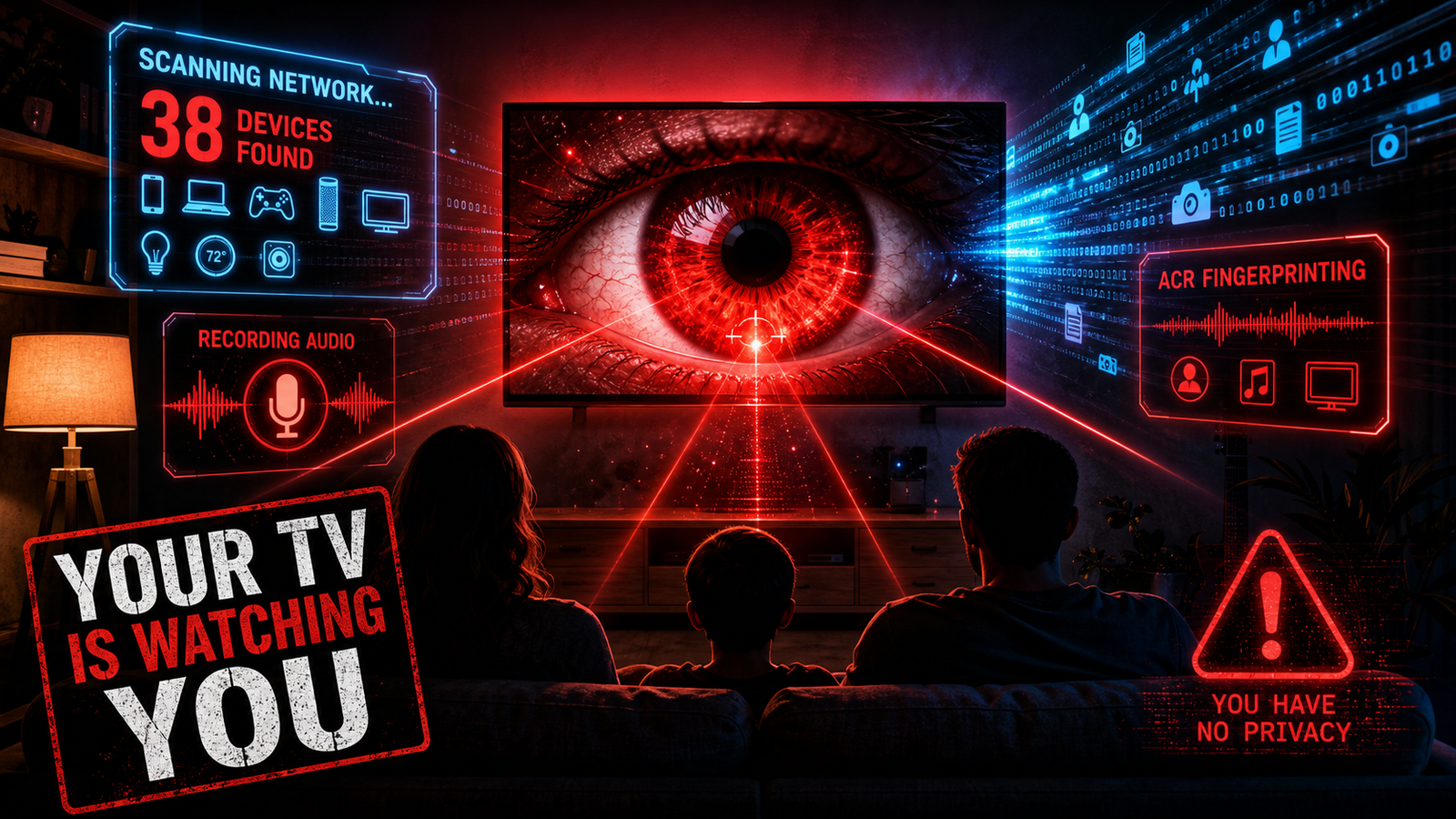
- •It scans your entire home network—constantly. In one test, a single TV identified 38 unrelated devices: phones, smartwatches, printers, thermostats—including gadgets belonging to people who had nothing to do with the test.
- •It logs every WiFi network nearby. Names and signal strengths of every network around you, plus location data, all sent off to LG's ad division.
- •It fingerprints everything on your screen. Using something called ACR (Automatic Content Recognition), the TV identifies everything displayed—including through your HDMI inputs. Your laptop, your gaming console, your work monitor plugged into that TV? All getting fingerprinted.
- •It moves a shocking amount of data. One TV was measured shipping out roughly 4GB of ACR-related data per month.
What the TV Does That LG Says It Doesn't
Here's where it goes from creepy to downright disturbing. LG has publicly stated their TVs "do not collect, record, or store ambient conversations."
The researchers found otherwise:
- •It converts your speech to text and stores it in logs right on the device.
- •The microphone stays open 10 to 15 seconds after you stop talking—long enough to catch bystanders who never said a word to the TV.
- •This is the one that got me: the TV recorded room audio while the screen appeared to be OFF and the Ethernet cable was unplugged—then sent that file out the instant it reconnected to the internet.
Let that sink in. Off. Unplugged. Still listening, still recording, just waiting to phone home.
And Then There's the Security Hole
On top of everything the TV does on purpose, researchers also found remote code execution vulnerabilities in webOS (the software these TVs run). In plain English: a compromised TV could be turned into a covert listening device by an outsider.
Now think about where these TVs live. Not just living rooms. They're in hospitals. Waiting rooms. Boardrooms. Hotels. One surgeon reportedly asked the researchers where that leaves patient confidentiality. Nobody had a good answer. LG didn't either.
Why This Hits Home Here
You might figure this is a big-city problem, or something that only matters to tech people. It isn't. Nearly every TV sold today is a "smart" TV—you can barely buy a dumb one anymore. That means these things are sitting in living rooms all over Pulaski County and the City of Radford right now, quietly cataloging households that never agreed to any of it.
We talk a lot on this blog about keeping your private life private—whether it's scam texts, big-box stores harvesting your biometrics, or surveillance creeping into our little corner of Southwest Virginia. This is the same fight, just sitting on your TV stand.
What to Do Right Now
The good news: you're not helpless here. Here are the steps the researchers recommend, in plain terms:
- •Disconnect the TV from your internet entirely. The simplest fix. Do your streaming through a separate device—an Apple TV, Roku, or Fire Stick—and leave the TV itself offline. A TV that can't reach the internet can't phone home.
- •If you must keep it connected, put it on a separate guest network or IoT network so it can't see the rest of your devices. (Most modern routers let you set up a guest WiFi in a couple of minutes.)
- •Turn off the built-in microphone in the TV's settings. If you don't use voice control, you don't need it on.
- •Dig into the privacy dashboard and opt out of ACR and ad personalization. It's usually buried in the settings menu under something like "privacy" or "viewing information."
- •Recheck all of the above after every firmware update. Updates have a nasty habit of quietly flipping these settings back on.
The Bottom Line
We're not trying to scare you off your television. But you deserve to know that the thing on your wall may be watching and listening a lot more than you ever agreed to—and that a few minutes in the settings menu can shut most of it down.
Take ten minutes this weekend, walk through those steps, and take your living room back. And if you've got a neighbor or a parent who wouldn't know where to start in a settings menu, share this with them—that's exactly the kind of looking-out-for-each-other that makes a place like the New River Valley worth living in.
Credit for the original research goes to Gamers Nexus, Level1Techs, and the other independent researchers who did the digging.